

Traveling abroad for a conference, or need your card in English?
There is a very simple way to switch the card to English, and you can change it whenever you want.
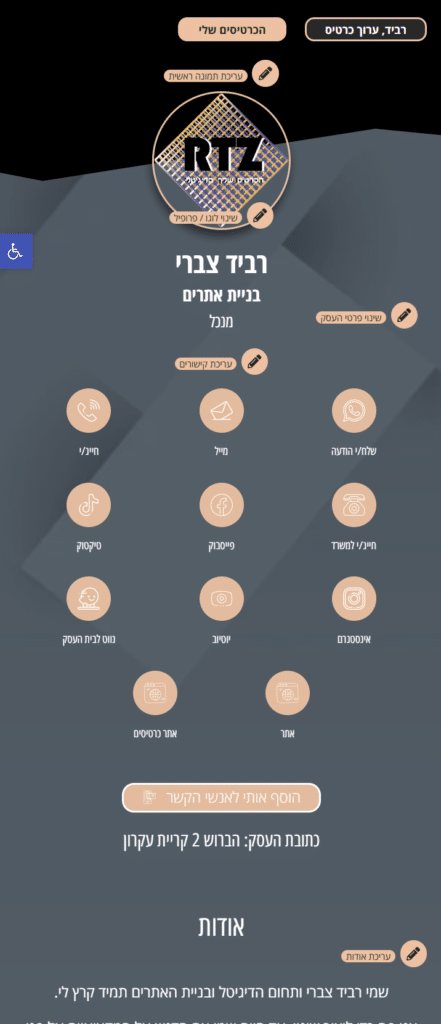
Start by clicking the main edit option at the top of the card:
After clicking “Edit Card”, you will be able to change the language:
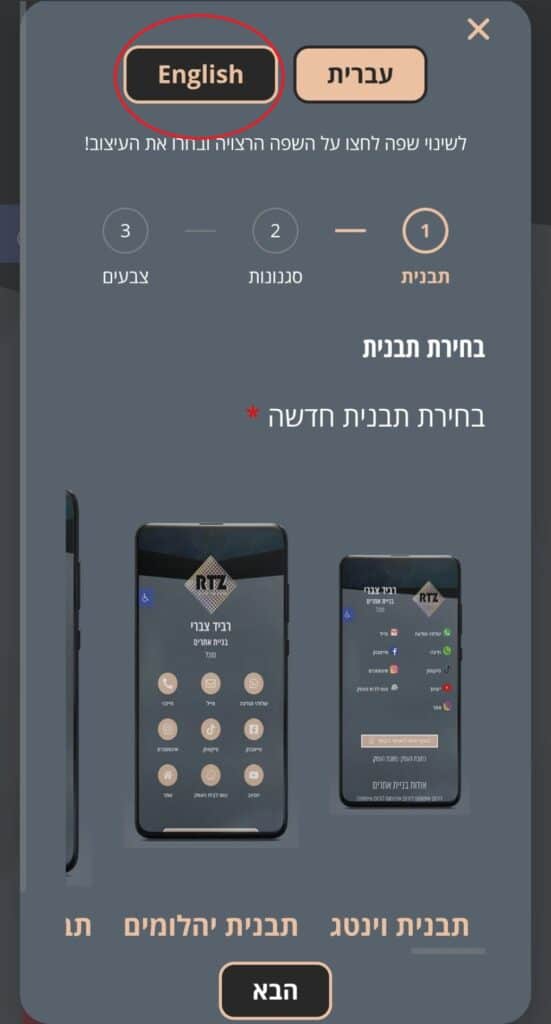
Once you select the English form, enter the design and information you want. After saving, the entire digital business card will appear in English.
Do not forget to translate any custom text you added to the card into English as well!